Qodebook

Back
Qodebook
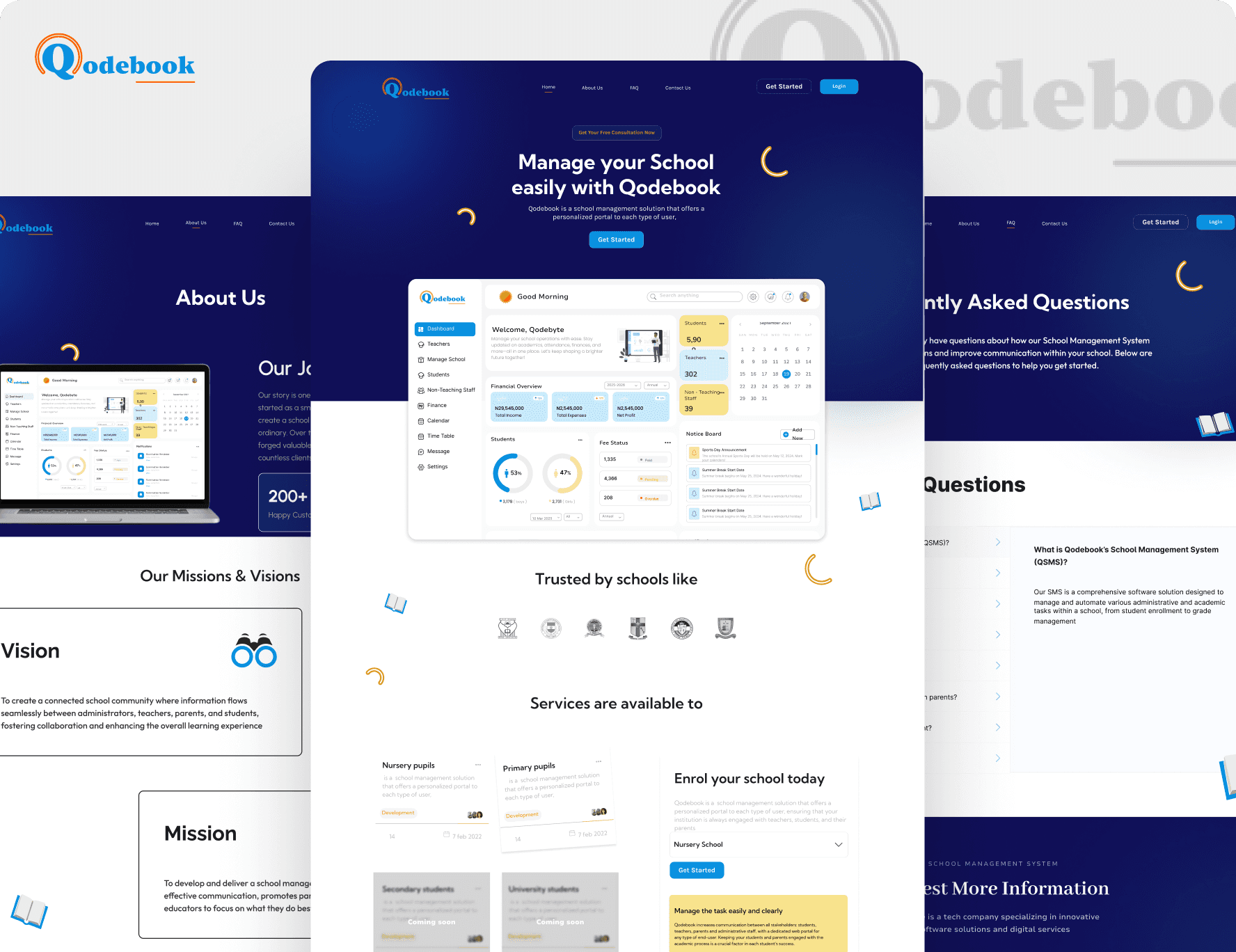
Qodebook is a comprehensive school management system that simplifies administrative tasks such as student enrollment, attendance, grading, and communication. It streamlines school operations, improves data organization, and enhances overall efficiency for administrators, teachers, students, and parents.
Role
Product Designer
Company
The Bems Group
Tools
Figma
Timeline
4 Weeks
4 Weeks
Duration
Style Guide
Color Palette
Primary Color
Shades
#FAFAFAFA
Secondary Color
Shades
#383838
Accent Color
Shades
#0A92DD
Typography
Aa
Font
Nunito Sans
Aa
Nunito Sans
Bold
Aa
Nunito Sans
Semibold
Aa
Nunito Sans
Medium
Aa
Nunito Sans
Regular
Wireframes
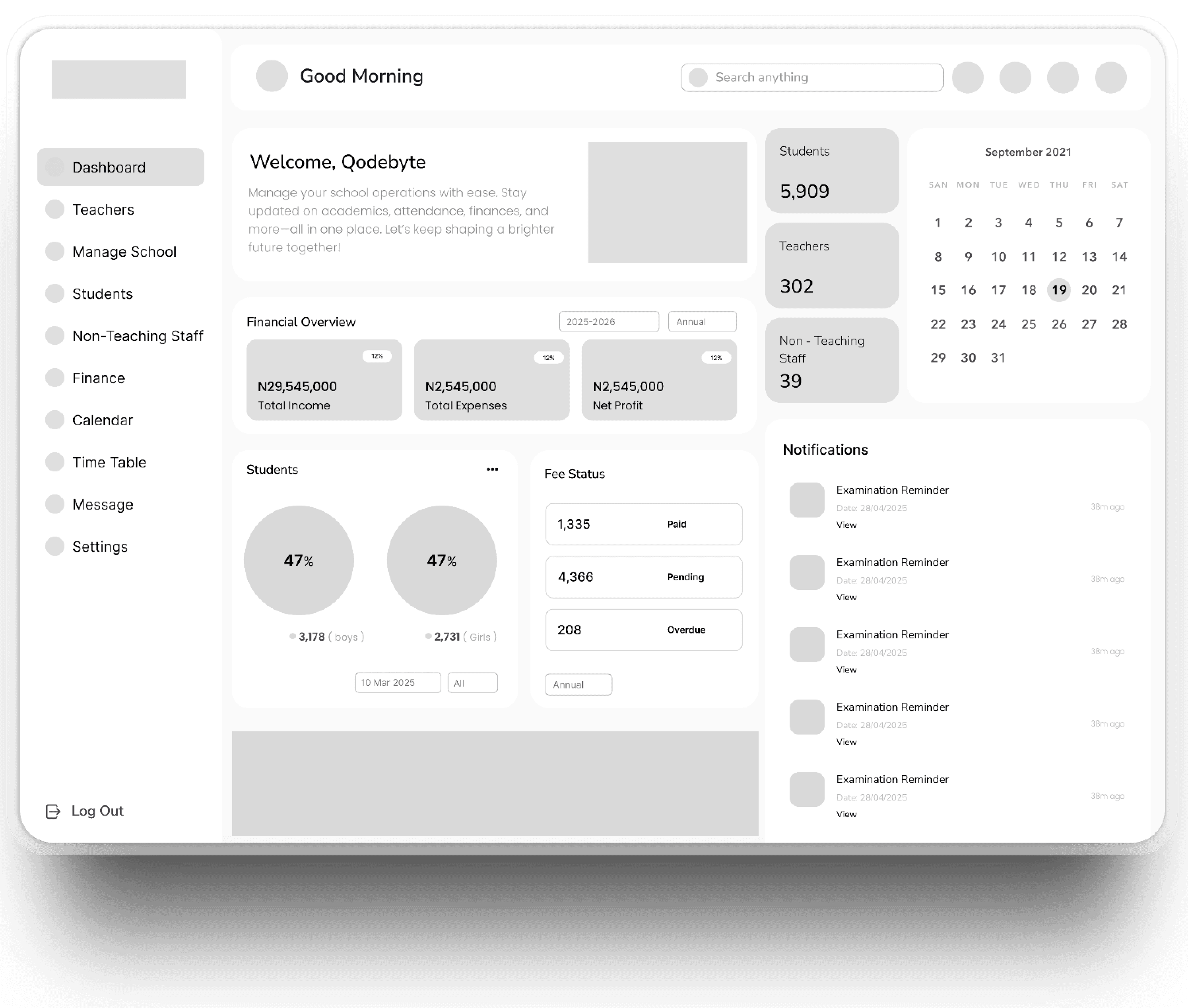
Dashboard
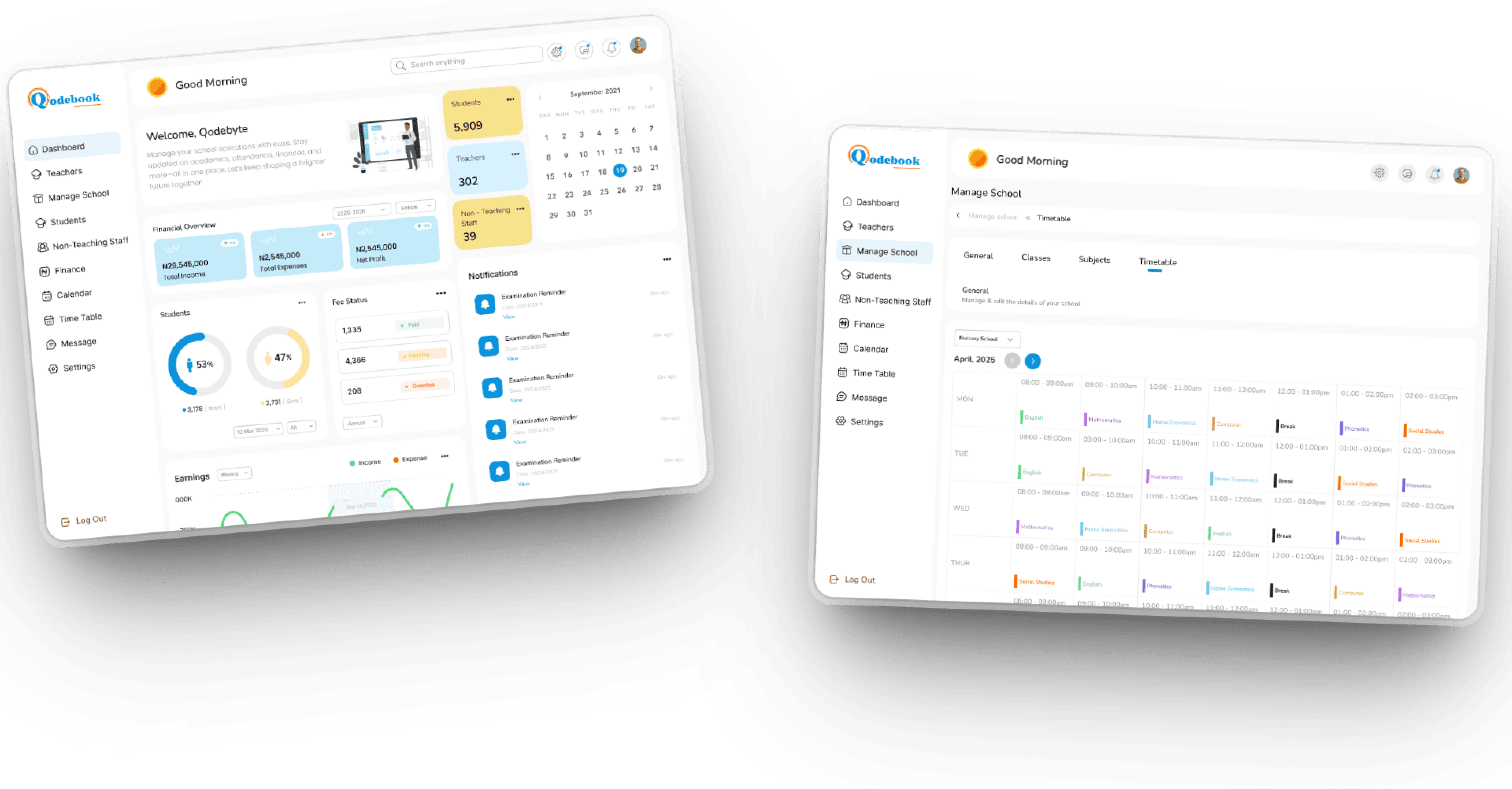
The dashboard on Qodebook is a centralized interface that provides a quick overview of key school data, such as attendance, grades, notifications, and upcoming events. It helps administrators, teachers, and staff monitor and access important information easily and efficiently.
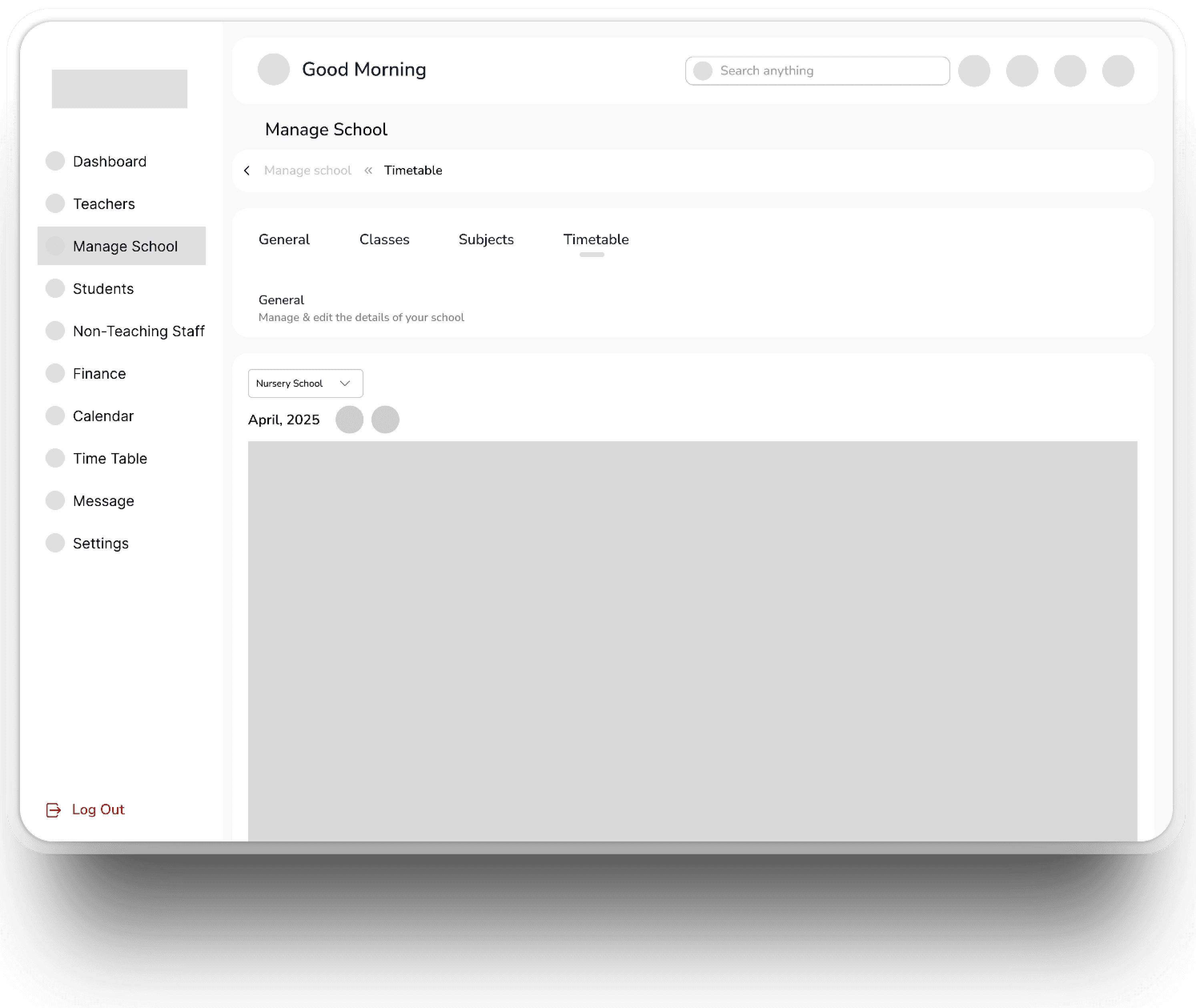
Timetable
The timetable feature on Qodebook is a tool that allows schools to create, manage, and organize class schedules efficiently. It helps streamline lesson planning, ensure proper allocation of resources, and provides students and teachers with easy access to their daily or weekly class timings.
Onboarding Screens
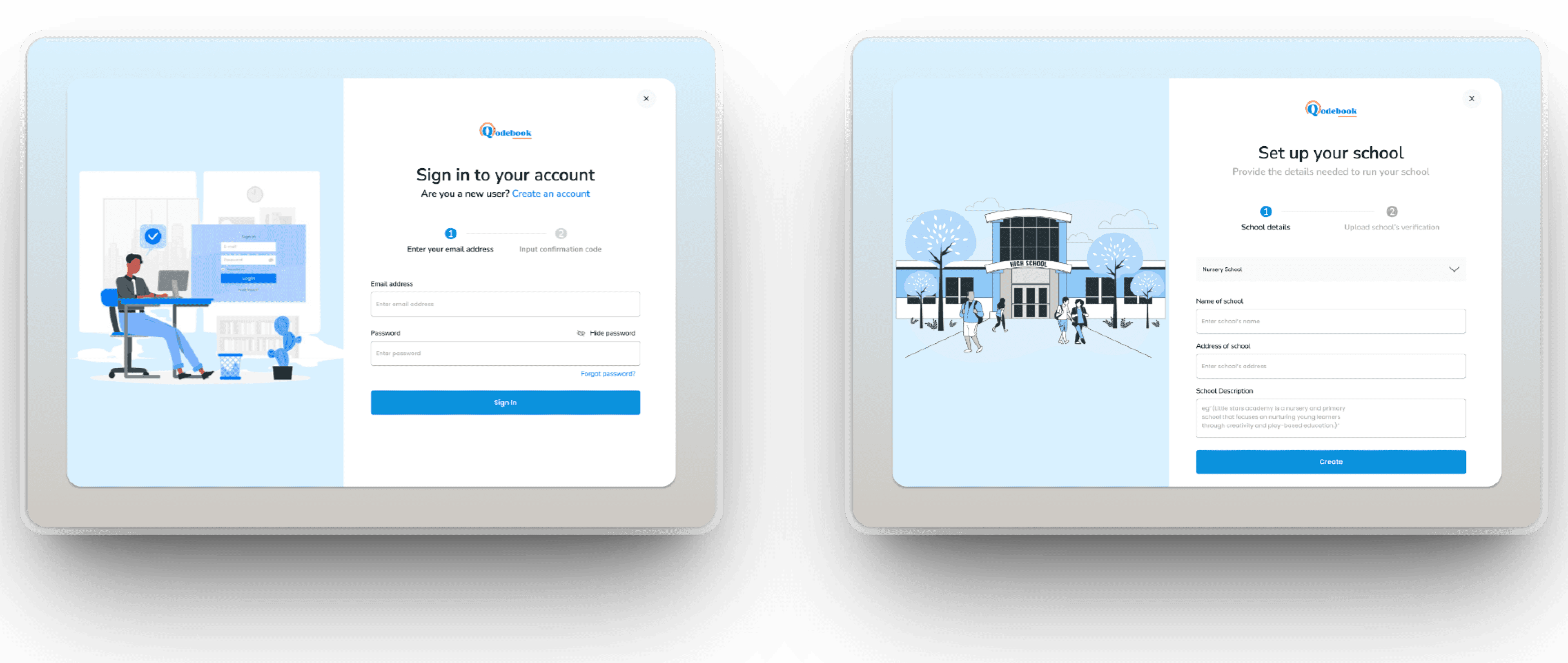
The onboarding screens on Qodebook for signing in and setting up a school guide new users through the initial registration process and configuration steps. They typically include options to create an account, enter school details, customize preferences, and complete the setup to personalize the system for the school's specific needs.
High Fidelity Screens
Dashboard & Time Table Screens
The Dashboard screen provides an overview of school data such as attendance, upcoming events, notifications, and quick access to modules like classes, students, and staff for efficient management,
while The Timetable displays and manages class schedules, allowing users to create, view, and edit daily or weekly timetables to organize classes and resources effectively.
Finance & Student Fees Screens
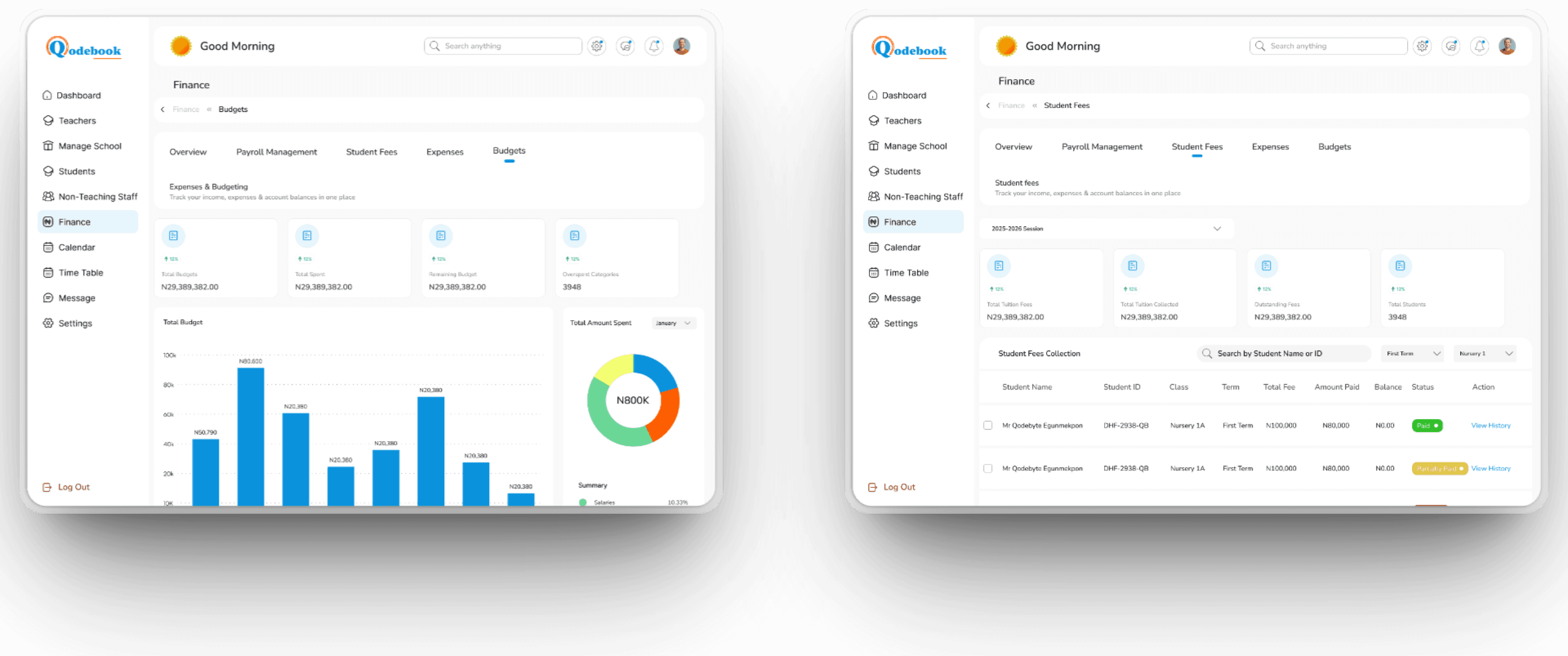
The Finance screen manages all financial transactions, including tracking payments, expenses, and generating financial reports to keep the school's budget organized while, Student Fees Section handles fee collection, payment records, and fee structure management to ensure accurate and timely student fee processing.
Timetable & Student Attendance Screens
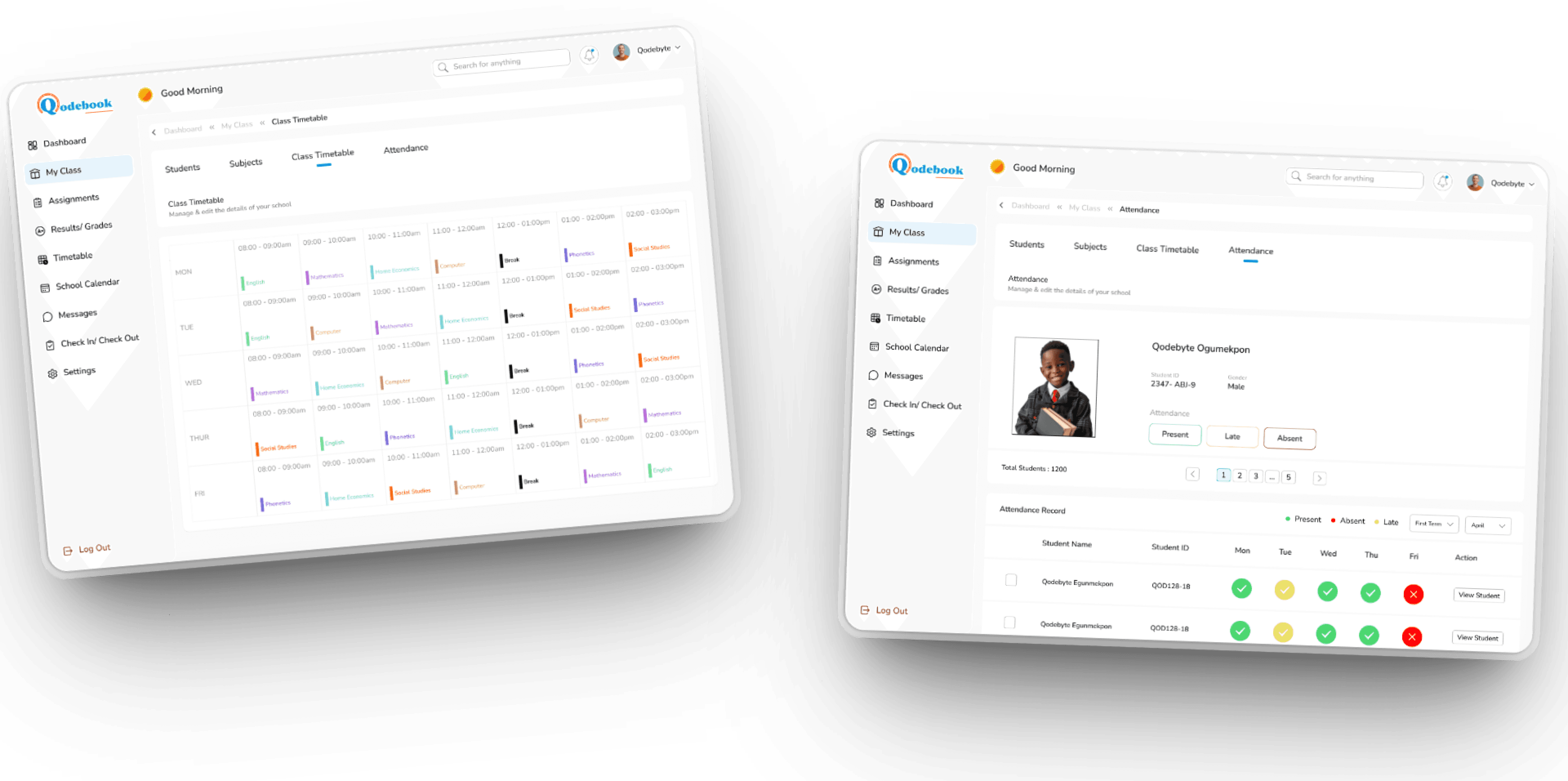
The Timetable screen allows users to create, view, and manage class schedules, ensuring that lessons, teachers, and classrooms are organized efficiently for each academic period while, The Student Attendance Section Enables recording and monitoring student attendance, providing real-time insights into attendance patterns and generating reports to support attendance management.
More Products
Game On
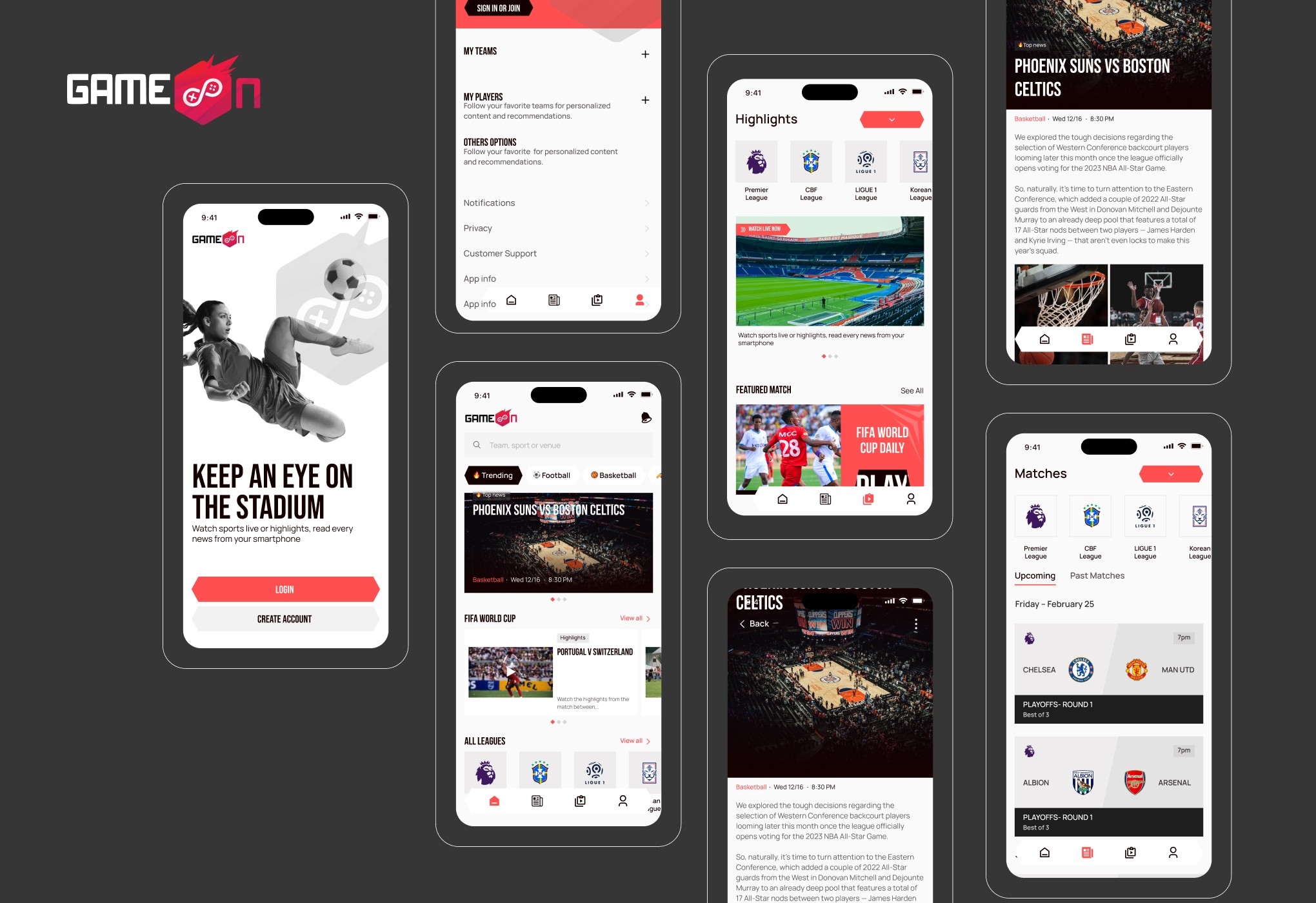
Game On is a dynamic sports streaming app that delivers live videos, real-time scores, highlights, and personalized game schedules — bringing all sports action right to your phone.
Click to View

Gas Empire
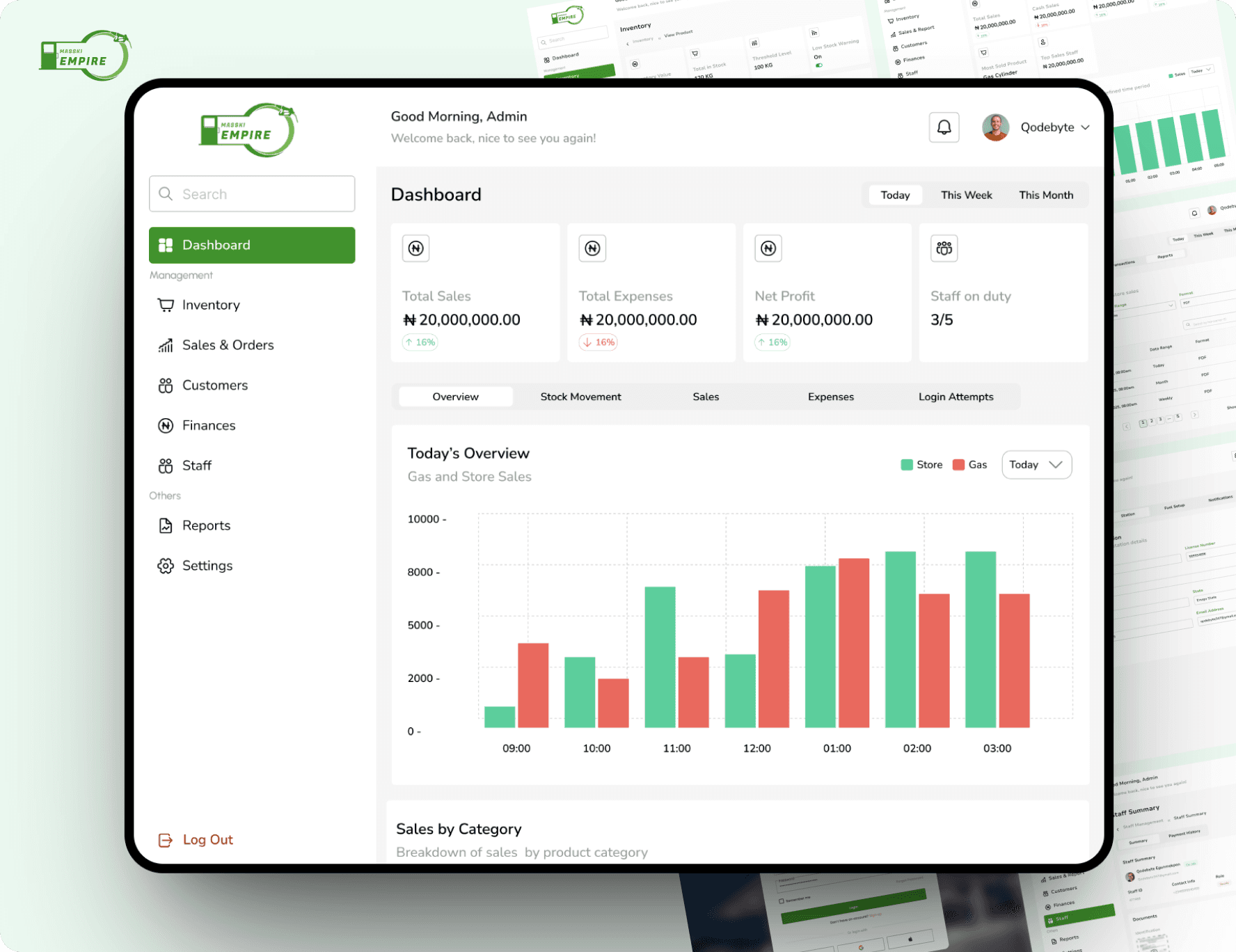
Gas Empire is a streamlined gas station management system that optimizes fuel inventory, pumps, transactions, customer tracking, and real-time reporting
Click to View
Conclusion
In summary, Qodebook is a comprehensive school management system that streamlines administration, improves efficiency, and supports better communication and organization within educational institutions.